
-
 Landing Pages & Websites
Build high converting pages
-
 Online Courses
Content that captivates and educates
-
 Membership Sites
Give customers a community
-
 Kartra AI
Generate compelling copy instantly
-
 Form Builder
Capture leads & grow your business
-
 Sales Funnel Software
Build every step of your customer journey.


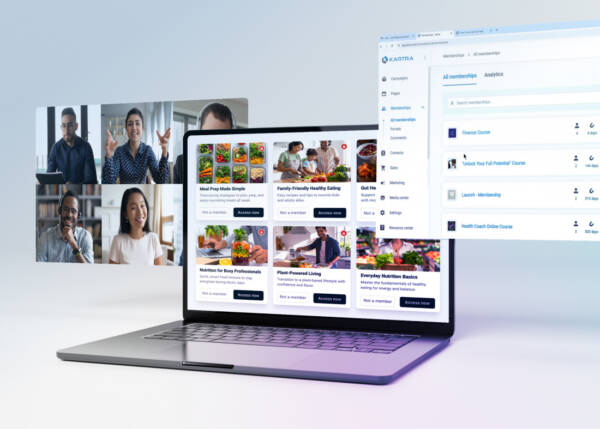


Integrations
Your funnel shouldn’t break the rest of your business.
Connect Kartra to the tools your business already uses so opt-ins, bookings, purchases, tags, and follow-ups move into the next step automatically.
Run webinars without chasing everything that happens after.
Your pages may capture the lead, but the real value comes from what happens next. Kartra integrations connect payment, calendar, automation, and customer data tools so your funnel can trigger follow-up without manual work.

Send follow-ups based on opt-ins, bookings, purchases, and tags.

Keep contacts synced across the tools you use to sell and serve.

Move buyers into onboarding after a connected checkout purchase.

Focus on the offer instead of managing handoffs by hand.
Turn every webinar into a system that runs on its own.
When someone fills out a form, books a call, buys an offer, or joins a membership, Kartra can help send that activity to the next tool in your stack – through native integrations, Zapier, API, IPN, or custom apps.

Trigger email and SMS follow-up from lead and purchase activity.

Segment contacts automatically by behavior, tag, or offer.

Connect checkout, calendar, membership, and CRM workflows.

Build custom workflows when your business needs more control.
Choose how Kartra connectsto the rest of your business.
Start with the integration that fits how you sell, schedule, automate, and manage customer data.
Payment Gateway Integrations
Connect your payment gateway, build your offer, launch your funnel, and automate the next step after every purchase.
Best for connected checkout and online payment processing
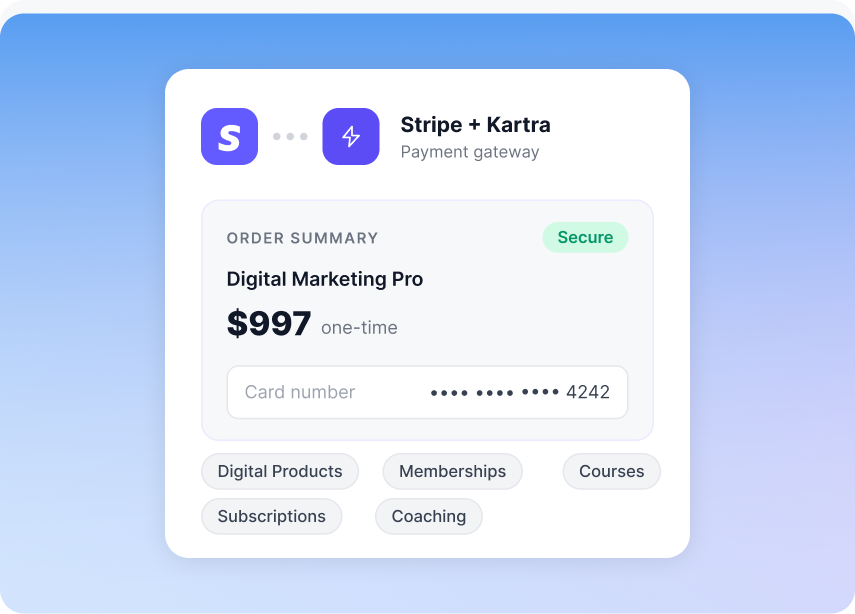
Stripe
Use the Kartra Stripe integration to accept card payments through Kartra checkout pages, products, payment plans, subscriptions, upsells, order bumps, and sales funnels

Accept payments directly from Kartra checkout flows.
Support one-time offers, subscriptions, and payment plans.
Connect purchases to tags, access, and follow-up.
Use Stripe where Apple Pay, Google Pay, or Klarna are required.
Best for giving customers another familiar way to pay
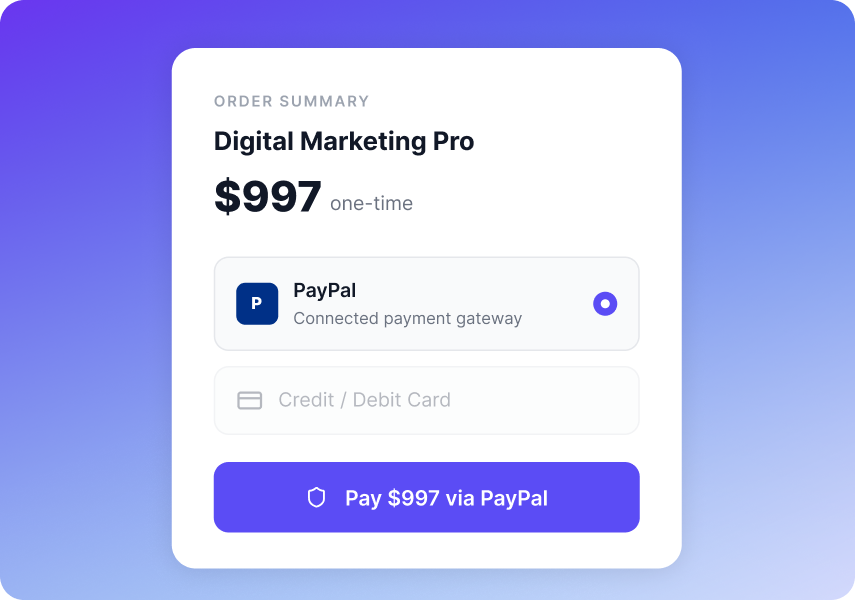
PayPal
Use the Kartra PayPal integration to add a familiar payment option to checkout pages, product offers, subscriptions, and funnel-based purchases.
Give buyers a trusted alternative to card checkout.
Use PayPal across product and offer flows.
Connect purchase activity to post-sale automation
Pair with other supported gateways when needed.
Implementation note: Optional supporting line: Kartra also supports Authorize.net and Braintree for payment gateway workflows.
Automation and App Connector Integrations
Use app connectors when your workflow spans CRMs, spreadsheets, notifications, reporting tools, or other business systems.
Most flexible for connecting Kartra with your business stack
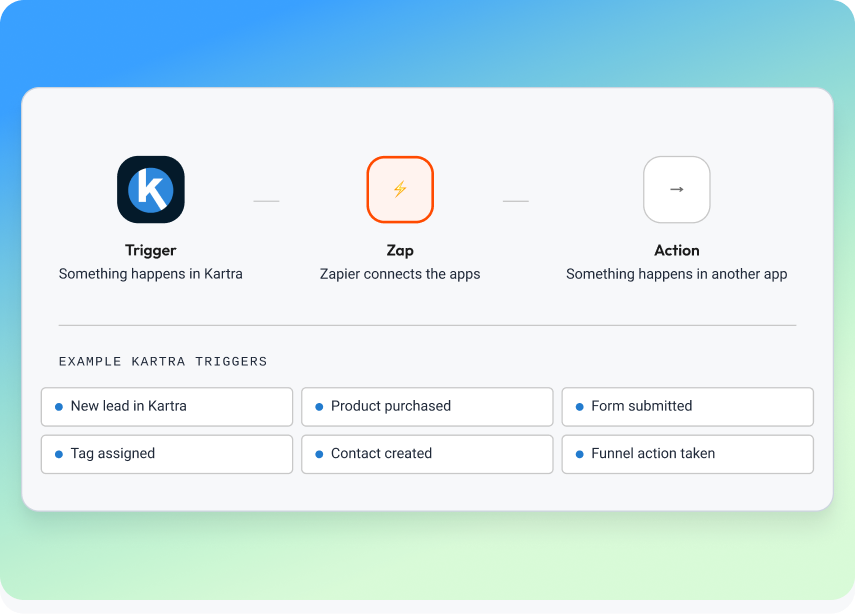
Zapier
Use the Kartra Zapier integration to move lead, purchase, calendar, membership, and tag activity between Kartra and other apps without custom code.
Create or update leads in Kartra.
Assign tags and subscribe contacts to lists or sequences.
Send form, purchase, and calendar activity to other tools.
Notify your team or update records automatically.
Best for giving customers another familiar way to pay
Calendar and Meeting Integrations
Connect appointment-based funnels to scheduling and meeting tools so interest can turn into a booked call.
Best for consultations, demos, coaching, and onboarding calls
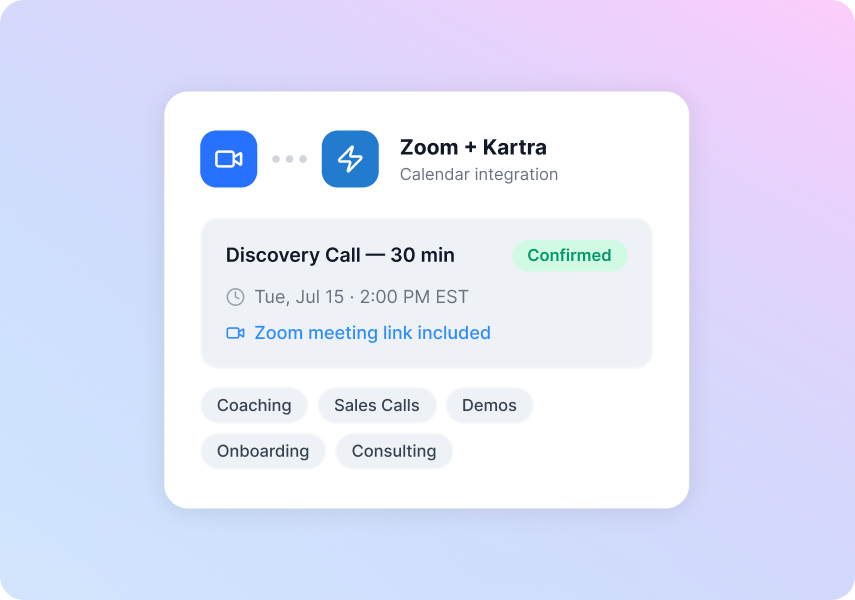
Zoom
Use Kartra Calendars with Zoom to help prospects and customers book meetings from landing pages, forms, applications, and sales funnels.
Turn form and funnel interest into scheduled meetings.
Use Zoom for demos, strategy calls, coaching, and onboarding.
Trigger reminders and follow-up around the booking.
Keep appointment workflows connected to your funnel.
Implementation note: Optional supporting line: Kartra Calendars can also sync with Google Calendar and connect with Google Meet where applicable.
Email Marketing and Contact Workflow Integrations
Use this category for teams moving from standalone email tools into a broader Kartra customer journey.
Best for contact migration and email workflow expansion
Mailchimp Workflows
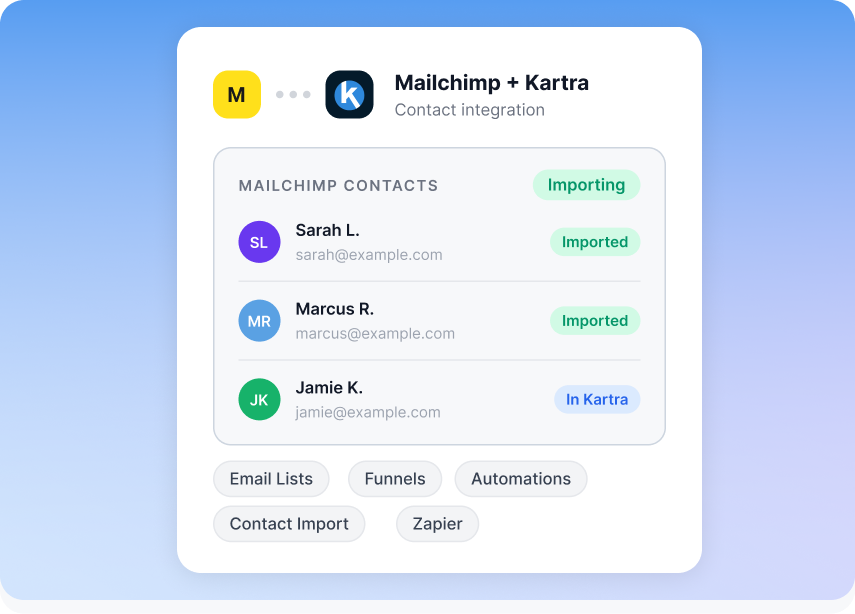
Use Kartra with Mailchimp-connected workflows when you need to bring contacts into a fuller funnel system or keep email activity aligned through Zapier.
Move email contacts into a Kartra-led customer journey.
Organize leads by list, tag, segment, offer, or action.
Connect email marketing to pages, checkouts, memberships,
and follow-up.
Use Zapier-supported workflows when ongoing syncing is needed.
Implementation note: Accuracy note: do not describe Mailchimp as a native Kartra integration unless that path is separately confirmed.
Developer and Custom Integrations
For teams that need more control, Kartra’s API, IPN, and Custom App options support developer-driven connection paths.
Best for proprietary tools and specialized workflows
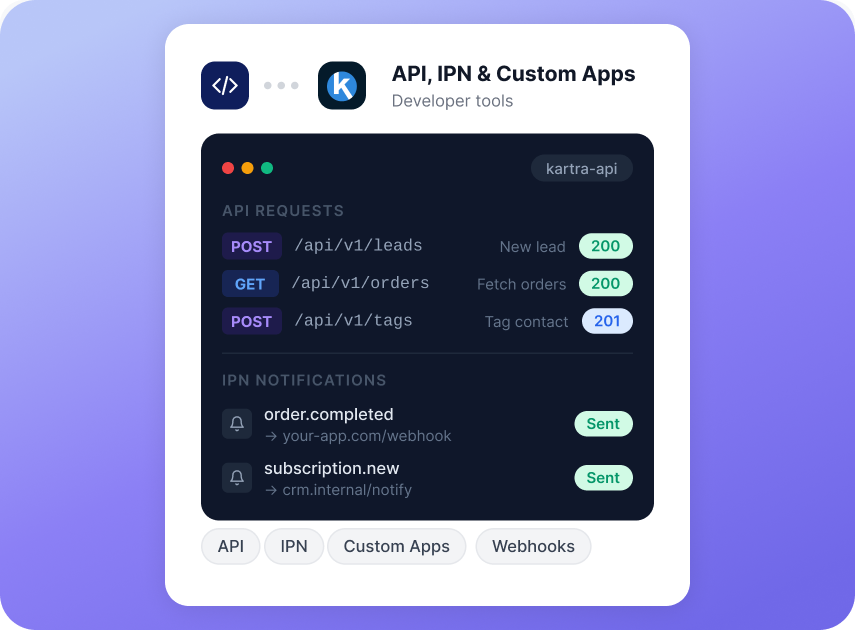
API, IPN, and Custom Apps
Use Kartra API and IPN options to connect Kartra with internal tools, back-end systems, reporting workflows, customer databases, and custom apps.
Use inbound and outbound API paths for custom data movement.
Send order notifications to external applications with IPN.
Build custom app experiences when your workflow needs more flexibility.
Connect Kartra activity to systems outside standard app connectors.
Implementation note: Optional supporting line: Kartra Calendars can also sync with Google Calendar and connect with Google Meet where applicable.
Where the magic happens.
How Kartra integrations work
Most teams start with a business action: a lead opts in, a buyer completes checkout, a prospect books a call, or a member gets access. Kartra integrations help route that action to the right next step
Before the sale
Capture form submissions, import or create contacts, assign tags, route leads, and connect CRM workflows.
During the sale
Connect checkout pages with payment gateways like Stripe and PayPal so customers can buy through the funnel.
After the sale
Trigger confirmation, segment buyers, grant membership access, start onboarding, update records, and notify your team.
For appointment-based funnels
Use Kartra Calendars and Zoom to turn interest into scheduled calls, demos, sessions, and onboarding meetings.
For custom stacks
Use Zapier, API, IPN, and custom apps to connect Kartra activity to external systems and reporting.
What you can build with Kartra integrations
Use integrations to make each part of the customer journey feel connected – not stitched together after the fact.

Sell products with connected checkout
Sell digital products and courses with checkout pages, Stripe or PayPal, confirmation emails, tags, and member access.

Book appointments that automate follow-up
Run appointment funnels that capture leads, qualify prospects, schedule Zoom meetings, and trigger before-and-after call follow-up.

Build complete email journeys
Move from standalone email marketing into a connected Kartra journey with pages, contact organization, automation, and checkout.

Connect your entire tech stack
Connect Kartra to CRMs, spreadsheets, dashboards, databases, and team notifications through Zapier.

Create custom business workflows
Support technical workflows with the Kartra API, IPN, and Custom App options for advanced integrations and automation.

Track every customer interaction
Centralize purchases, emails, memberships, appointments, support activity, and automation history so every customer interaction is connected in one timeline.
Kartra Integrations FAQ
What integrations does Kartra support?
Kartra supports native integrations across payment gateways, email gateways, SMS gateways, membership platforms, hub connectors, and calendar apps. It also supports Zapier plus API, IPN, and Custom App options for custom workflows.
Does Kartra integrate with Stripe?
Yes. Kartra integrates with Stripe for payment processing through Kartra Checkouts. Use it for checkout pages, offers, subscriptions, payment plans, upsells, order bumps, and funnel purchases.
Does Kartra integrate with PayPal?
Yes. Kartra integrates with PayPal so customers can pay through a familiar checkout option. Use PayPal across product offers, subscriptions, funnel purchases, and post-sale automation.
Does Kartra integrate with Zapier?
Yes. Kartra connects with Zapier so you can automate lead management and move data between Kartra and other apps. Common workflows include creating leads, assigning tags, subscribing contacts to lists or sequences, and sending purchase or form activity to other tools.
Can I connect Kartra with Zoom?
Yes. Kartra Calendars includes Zoom integration for appointment-based workflows. Use it to connect booked calls with landing pages, forms, applications, funnels, reminders, and follow-up.
Can I use Mailchimp with Kartra?
Yes, you can use Mailchimp with Kartra-connected workflows. Many teams move contacts from Mailchimp into Kartra as they migrate, or use Zapier-supported workflows when ongoing connection is needed.
Does Kartra have an API?
Yes. Kartra provides API and IPN technical documentation. Developers can use inbound and outbound API paths to connect Kartra with back-end systems and custom workflows.
What is Kartra IPN?
Kartra IPN stands for Instant Payment Notification. It can send transaction notifications to an external application when customers place orders through Kartra Checkouts.
Can Kartra connect with custom apps?
Yes. Kartra’s Custom App Program supports teams building their own app, software, or SaaS experience to connect with Kartra.
Can I automate follow-up after someone buys or books a call?
Yes. Kartra can help trigger follow-up when someone opts in, buys, books, gets tagged, joins a membership, or completes other funnel activity. Use native integrations, Zapier, or custom connection paths depending on the workflow.